
How Shutter Speed and Aperture Affect Your Footage
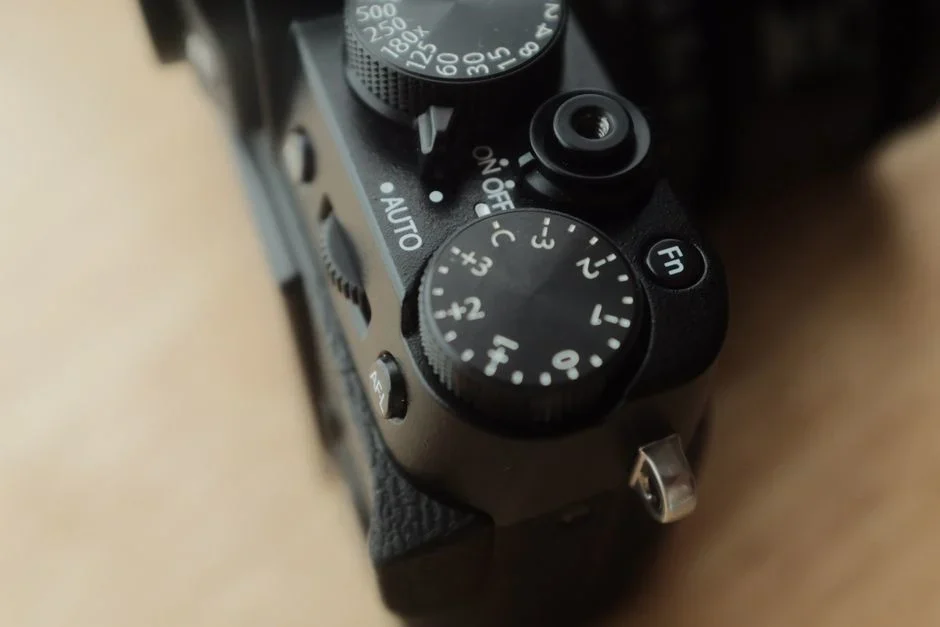
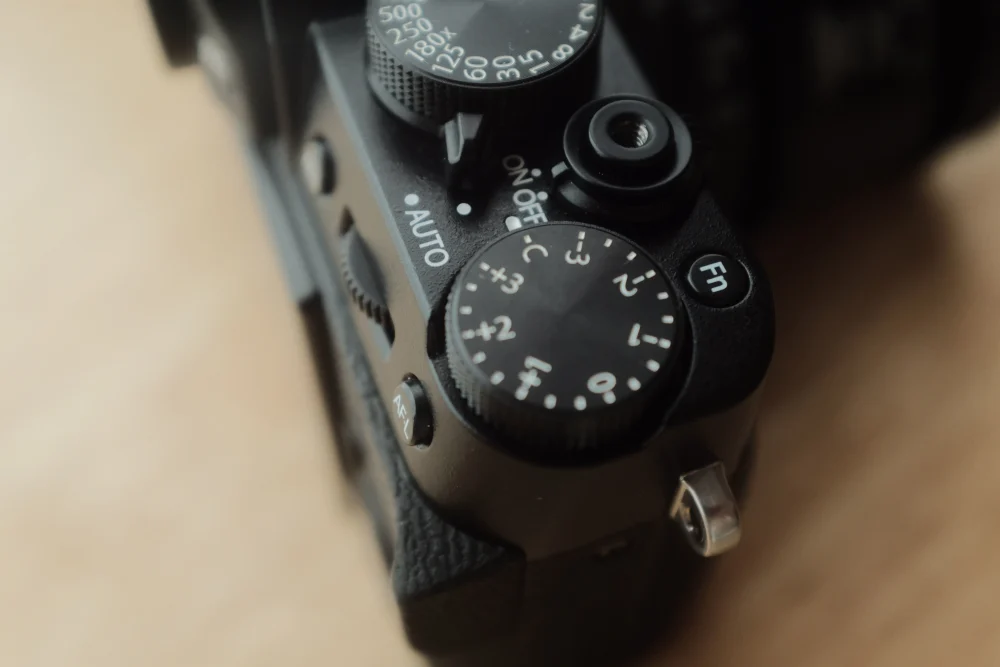
Every videographer, whether just starting out or well into their career, faces the same core question: how do shutter speed and aperture affect footage in a way that is different from still photography? The answer shapes the look, feel, and professional quality of every scene you shoot. Understanding these two settings is essential because they control not only how much light reaches the sensor but also how motion is rendered and how the viewer's eye moves through the frame. When you grasp the relationship between them, you unlock consistent exposure and intentional creative choices in every project.
What Shutter Speed Does in Video
In video, shutter speed is the length of time each individual frame is exposed to light. It is typically measured as a fraction of a second, such as 1/48 or 1/60. Unlike in still photography, where a fast shutter speed freezes a split-second moment, video shutter speed directly determines how motion blur is recorded from frame to frame. This distinction is critical because humans perceive continuous motion in video, not a series of still images. The way that motion blur is captured affects whether footage looks smooth and natural or jarring and hyper-realistic.
The 180 Degree Shutter Rule
The most widely accepted starting point for video is the 180 degree shutter rule. This guideline sets your shutter speed to 1 divided by twice your frame rate. For example, at 24 frames per second (fps), the correct shutter speed is 1/48 second. At 30 fps, it is 1/60 second. The 180 degree rule produces a natural-looking amount of motion blur that matches what the human eye expects to see. It has been the standard in film and television for decades because it gives footage a polished, cinematic quality without drawing attention to the motion itself.
Creative Effects with Fast and Slow Shutter Speeds
Deviating from the 180 degree rule changes the character of your footage in noticeable ways. A faster shutter speed, such as 1/200 second, makes motion appear more staccato and hyper-realistic. Each frame is crisper, but the lack of motion blur between frames can make movement seem jittery. This effect is sometimes used intentionally for action sequences or dream sequences. A slower shutter speed, conversely, creates more motion blur between frames, producing a dreamy, soft look that can be effective for romantic or surreal scenes. Experimenting with shutter speed gives you a creative tool that goes well beyond mere exposure control.
Aperture and Depth of Field in Video
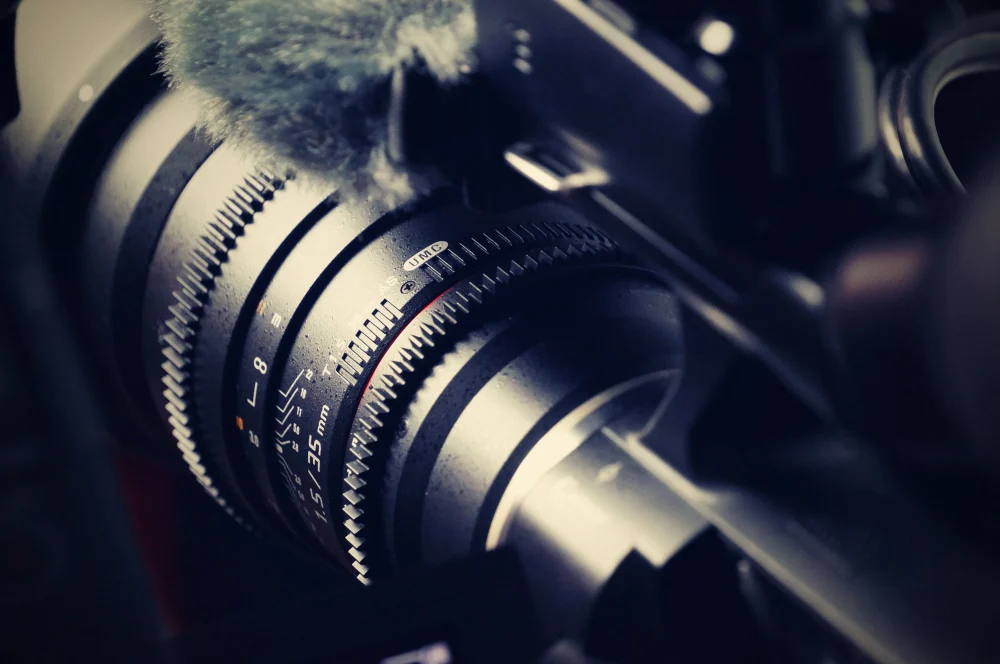
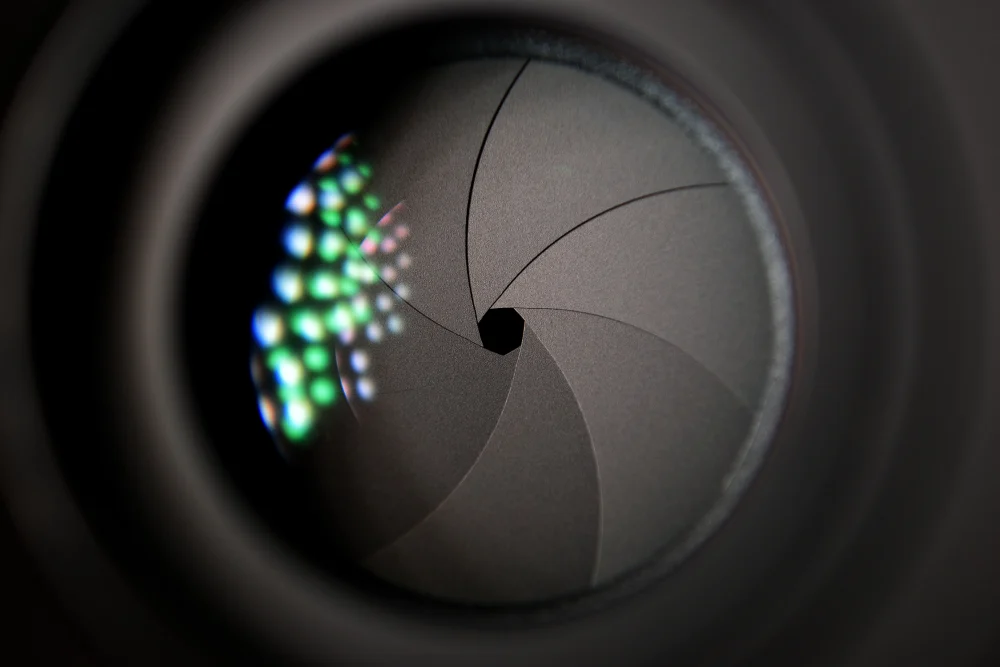
Aperture refers to the size of the opening in the lens through which light passes. It is measured in f-stops, with a small f-number (such as f/1.4 or f/2.8) indicating a large opening and a large f-number (such as f/16) indicating a small opening. In video, aperture controls both exposure and depth of field. A large aperture (small f-number) reduces depth of field, meaning only the subject is in sharp focus while the background falls into a soft blur. This shallow depth of field is highly sought after for interviews, narrative scenes, and commercial work because it isolates the subject and draws the viewer's attention exactly where you want it.
A small aperture (large f-number) increases depth of field, keeping more of the scene in focus from foreground to background. This is useful for landscape shots, documentary work, or any situation where you want the viewer to take in the entire environment. Because aperture also affects exposure, changing it forces you to compensate with shutter speed or ISO to maintain a consistent brightness level. This balancing act is where many videographers find themselves adjusting their approach on set depending on the light available and the look they need to achieve.
Balancing Shutter Speed, Aperture, and ISO
Exposure in video is a triangle of three settings: shutter speed, aperture, and ISO. ISO controls the sensitivity of the camera sensor to light. Raising the ISO lets you shoot in darker environments, but it comes with a cost. Higher ISO settings can introduce noise into your footage, reducing overall image quality. The exact point at which noise becomes objectionable varies from camera to camera, and some cameras handle high ISO better than others. The key is to find the highest ISO you are comfortable with and then adjust aperture and shutter speed to achieve the correct exposure.
Using Neutral Density Filters
One common challenge videographers face is too much light. If you want to use a wide aperture for shallow depth of field or a slow shutter speed for natural motion blur, bright sunlight can force your shutter speed too high or your aperture too small. Neutral density (ND) filters solve this problem. An ND filter acts like sunglasses for your lens, reducing the amount of light that reaches the sensor without affecting colour. With an ND filter, you can maintain your desired aperture and shutter speed even in bright conditions. ND filters are an essential piece of kit for any videographer who shoots outdoors or in controlled lighting environments.
Multiple Combinations for the Same Exposure
One of the most powerful concepts in cinematography is that multiple combinations of shutter speed and aperture can yield the same exposure value (EV). For example, a setting of 1/60 second at f/2.8 lets in the same amount of light as 1/30 second at f/4, but the look of the footage changes dramatically. In the first combination you get less motion blur and a shallower depth of field. In the second you get more motion blur and deeper focus. Understanding this trade-off allows you to choose the combination that best serves your story while keeping exposure consistent.
Frame Rate and Its Relationship to Shutter Speed
Frame rate is the number of individual frames shown per second. Common rates are 24 fps, which is the standard for film and cinematic production, and 30 fps, which is common for television and online content. Frame rate and shutter speed are directly linked by the 180 degree rule, but frame rate also affects how motion is perceived. Higher frame rates, such as 60 fps, capture more frames per second. When 60 fps footage is played back at 24 fps, it creates a 2.5 times slow-motion effect that is smooth and detailed. To maintain natural motion blur when shooting for slow motion, you still apply the 180 degree rule: at 60 fps, your shutter speed should be 1/120 second.
Shutter angle is a related concept from film cameras that describes exposure time in terms of the rotation of a rotating shutter. A 180 degree shutter angle gives normal motion blur. A 360 degree angle gives more blur, while 90 degree or 45 degree angles produce less blur and a more staccato motion. While modern digital cameras often let you set shutter speed directly, understanding shutter angle is useful when working with cinema cameras that still use that terminology or when you want a more precise way to think about motion blur across different frame rates.
Creative Applications in Real World Shooting
The technical knowledge of shutter speed and aperture becomes truly valuable when you apply it creatively on set. For a dramatic action scene, a fast shutter speed equivalent to a 45 degree shutter angle, roughly 1/198 second at 24 fps, can create the jarring, hyper-realistic motion seen in films such as Saving Private Ryan. That technique makes violence feel more immediate and unsettling. For a romantic or dreamlike sequence, a slower shutter speed or a wider shutter angle produces soft, flowing motion blur that feels ethereal and calm. The ability to switch between these looks intentionally, rather than accidentally, separates prepared filmmakers from those who rely on luck.
Beyond shutter speed, aperture gives you control over how the viewer reads a scene. A wide open aperture with shallow depth of field guides the eye to a specific character or object. A stopped-down aperture with deep focus lets the audience explore the entire frame. You can combine these choices with changes in shutter speed to create a signature visual style for each project. The best way to internalise these concepts is to shoot test footage: try the same scene at 1/48, 1/120, and 1/200 second, and at f/2.8 and f/8. Review the results on a large monitor to see exactly how shutter speed and aperture affect footage in your specific camera and lens combination.
Frequently Asked Questions
What is the 180 degree shutter rule for video?
The 180 degree shutter rule sets your shutter speed to 1 divided by twice your frame rate. At 24 fps, that is 1/48 second. At 30 fps, it is 1/60 second. This rule produces natural-looking motion blur that matches how human vision perceives movement, and it has been a standard in filmmaking for decades.
Can I use a fast shutter speed for cinematic video?
Yes, but it changes the look. A fast shutter speed such as 1/200 second makes motion appear hyper-realistic and jittery rather than smooth. It can be used intentionally for dramatic effect, action scenes, or dream sequences, but it does not produce the standard cinematic look associated with the 180 degree rule.
How does aperture affect the look of my video compared to shutter speed?
Aperture primarily controls depth of field, which determines how much of your scene is in focus. A wide aperture (small f-number) creates a blurred background that isolates the subject. Shutter speed primarily controls motion blur between frames. Both affect exposure, so changing one usually requires adjusting the other to keep your image correctly exposed.
Do I need an ND filter to use a wide aperture outdoors?
In most cases, yes. Bright sunlight can force your shutter speed too high or your aperture too small if you want to use a wide f-stop for shallow depth of field. A neutral density filter reduces incoming light without affecting colour, allowing you to maintain your desired aperture and shutter speed even in bright conditions.
What shutter speed should I use for slow-motion footage?
Follow the same 180 degree rule applied to your recording frame rate. If you shoot at 60 fps for slow motion, use a shutter speed of 1/120 second. That keeps motion blur natural when the footage is played back at 24 fps, giving you smooth, detailed slow motion without a jarring staccato effect.
Mastering how shutter speed and aperture affect footage is a continuous learning process that rewards practice and intentional experimentation. Every scene you shoot offers an opportunity to apply these settings deliberately, whether you are following the 180 degree rule for a clean broadcast piece or breaking it for a bold creative statement. As you build your confidence with these core tools, your footage will look more polished, your storytelling will become more intentional, and you will have the technical foundation to tackle any project that comes your way. Lens Latitude connects Canadian filmmakers with the gear they need to put this knowledge into action, from cinema lenses to ND filters and everything in between.